Introducing Facer Creator Pro
The best watch face design tool for smartwatch is getting even better. Join over 25k designers and let your creativity run wild!

Following the launch of Facer Premium in December, we couldn’t be more excited to be launching Facer Creator Pro today — a major update to our powerful watch face design tool for smartwatches.
With Facer Creator Pro, our growing community of 25k+ designers and brands will now have access a number of new functionalities which — until now — have been reserved exclusively to a limited number of partners:
- User customization: happy with your design but want the wearer to be able to tweak it to match its colors to their outfit, or change a complication from Weather to Step Counter? We’ve got you covered!
- Interactivity: want to blow your users’ minds? Interactive widgets allow the wearer to launch apps directly from the face, change the hands style with just one tap, or even create mini-games!
- Promotional images: as faces become more complex, it’s sometimes useful to include a visual explaining all its functions, or show the design in all its glory on-wrist. Promo images are a great way to make sure your fans get the most out of your faces.
- Watch face versioning: Spent 3 days working on a face and mistakenly deleted a few key layers? Don’t fret, with watch face versioning you can recover any previous version of your designs at any point.
- Insights: You know your designs are popular, but want to get more data to inform your next design decisions? We’ve got tons of stats for you!
We’re excited to be finally opening these features to all designers with our new Facer Creator Pro offering tier. Let’s dive in!
🎨 User customization
With over 75k faces on the Facer platform, smartwatch users have quite a lot of choice to make their device match their style. But what if the face they picked is almost perfect, but would be even better if its color matched their outfit? Or that instead of a step counter it showed the current weather? This is where user-customization comes in.
Color customization

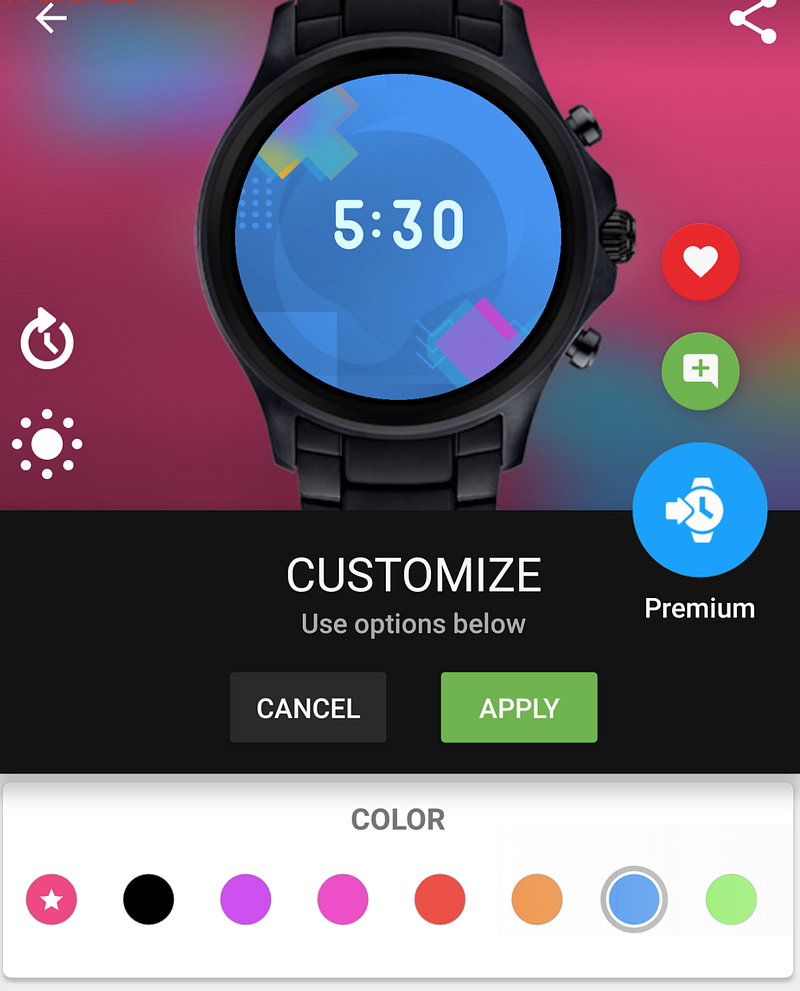
With this Facer Creator Pro feature, the designer can mark some elements of the face to be customizable by the end user. Their color can then be updated on the watch or the mobile app:
Complication customization
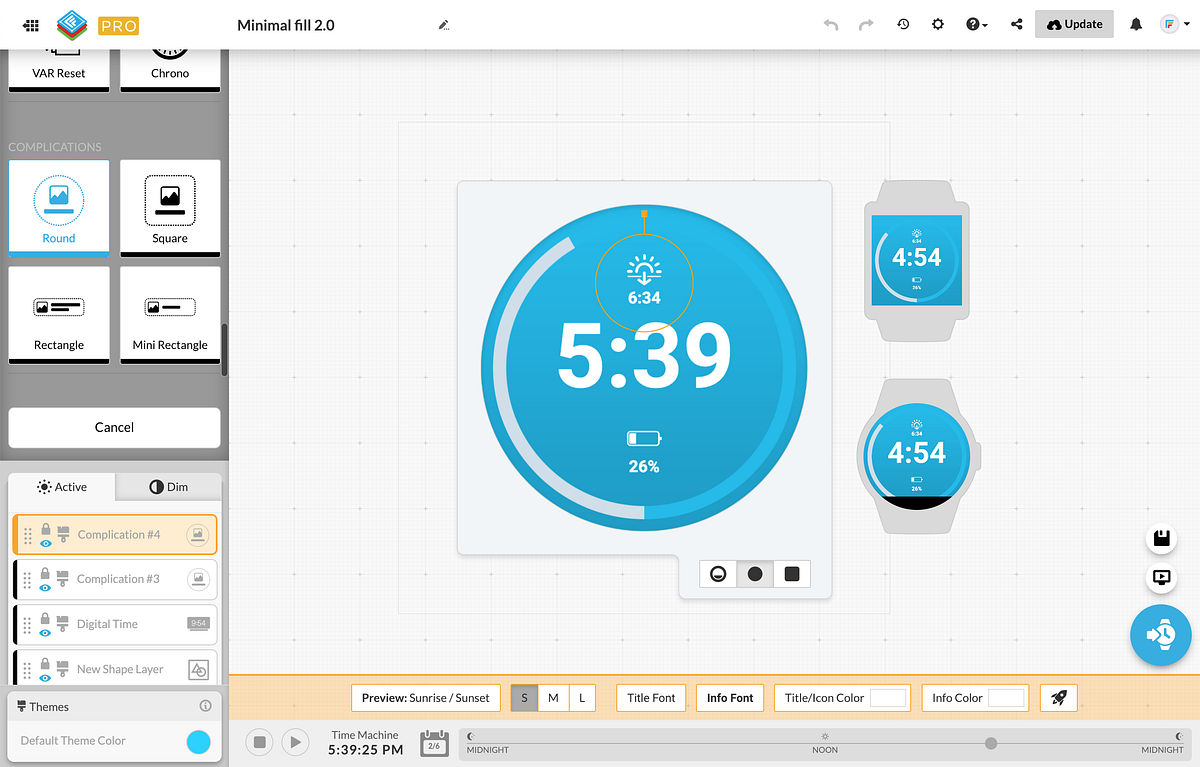
In addition to allowing users wearing your designs to change the color of some elements, Facer Creator Pro also allows the designer to add user-customizable complications to the face:
Once a complication is added to the design, the wearer can choose* what data is displayed by going to into the settings screen of the face:
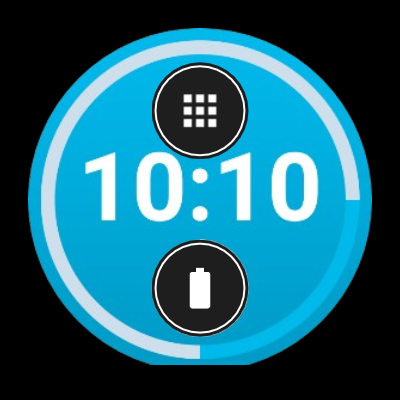
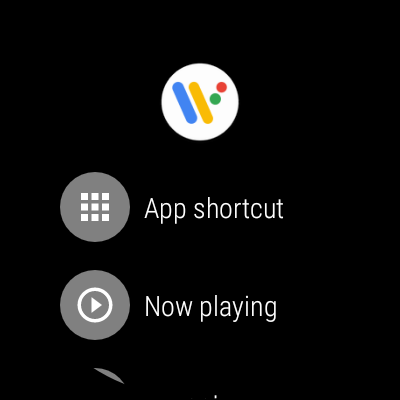
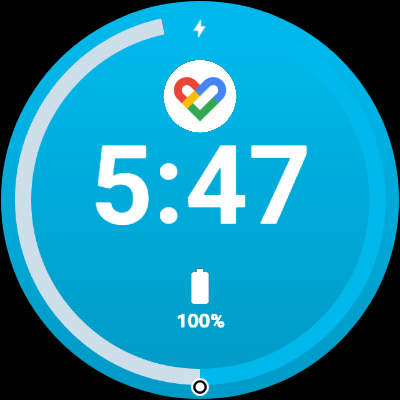
The complications available may vary based on the apps the user has installed on their watch.
*Choosing complications is currently only available on WearOS, but will be available to Samsung/Tizen watch users soon.
🕹 Interactive watch faces
One of the most requested features on the Facer Creator is the ability to create interactive watch faces to launch other watch apps directly from the face, or create more complex interactions and even mini-games!
To get started, it couldn’t be easier — just add one of the many interactive widgets on your face and voila! The interactive area will be marked in blue in the Facer Creator so you can make sure they don’t overlap and that they are big enough to be tapped.
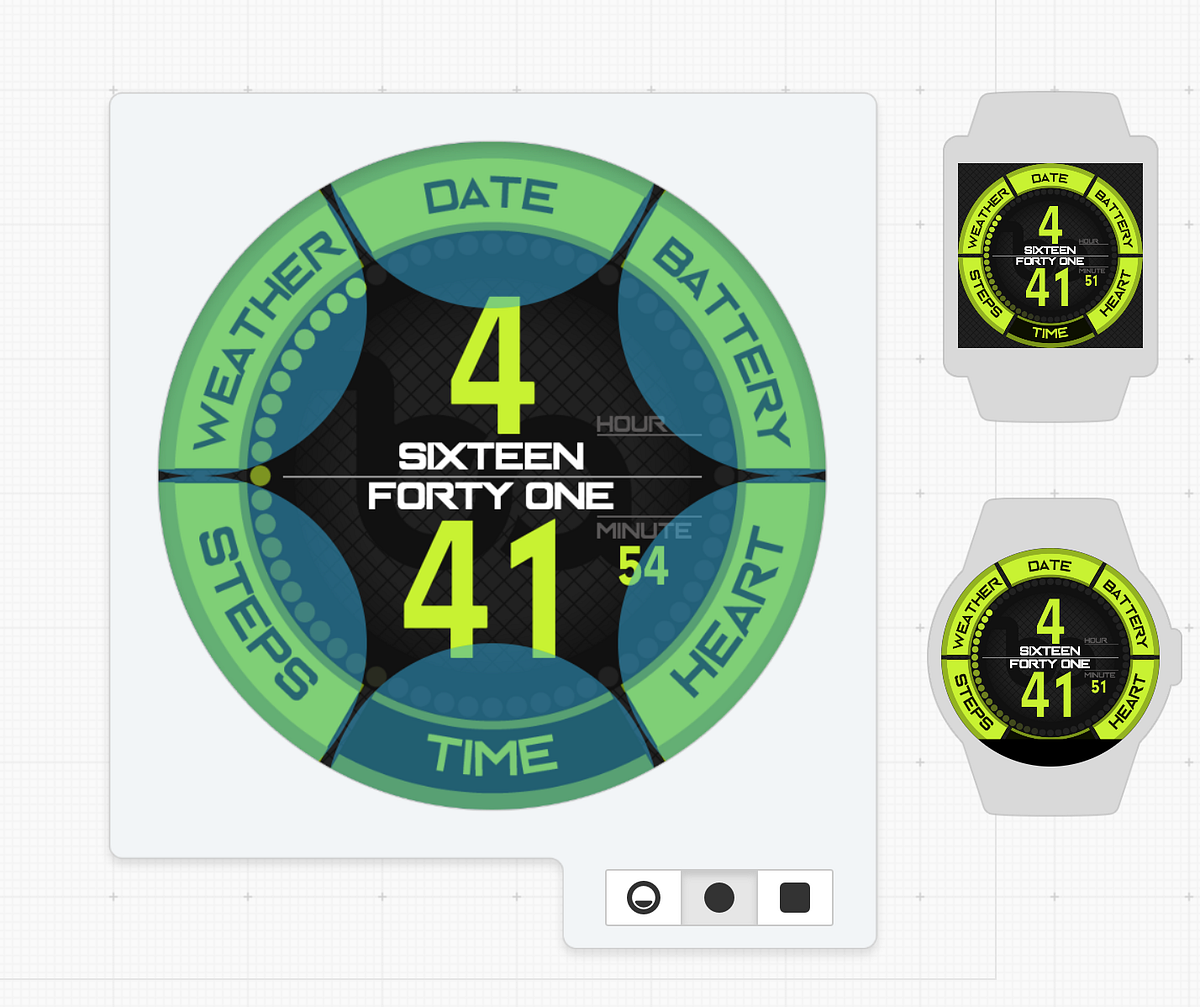
The interactions are not only functional on the watch itself, but they are also previewable directly on the web and on our watch face widgets. Just give it a try below:
And yes, you can even design your own chronograph:
⭐️ Promotional images
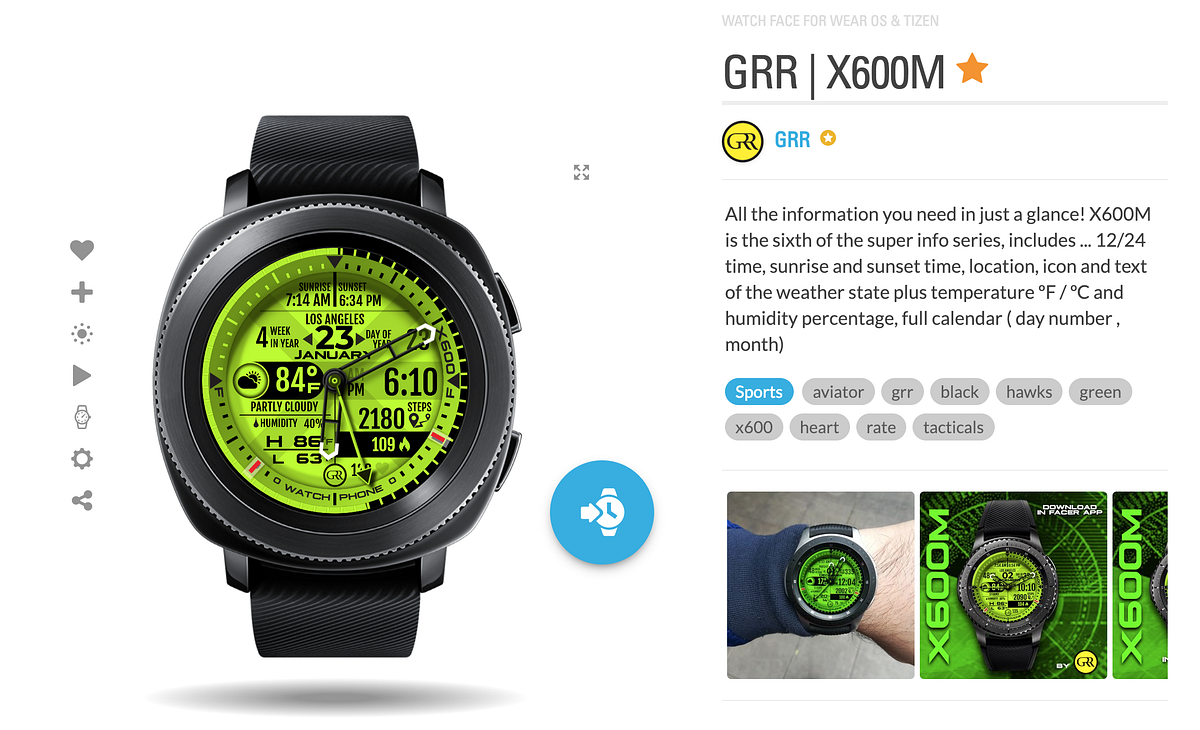
Want to showcase your watch face in all its glory to your future fans? Promotional images are there for you and will be displayed along with your design everywhere it is shown. They can help showcase your watch face on-wrist, show tips on how to match it to an outfit, or be used to explain some of its hidden features.
💫 Watch face versioning
Whenever you save your watch face, Facer will keep track of that version so that you can revert to it whenever you need to.
If you make a mistake or need dig up an old idea, you can select any previous version and set it as the current version. Did you not mean to pick “that” version? It’s ok, nothing is ever lost! You can still revert back to the version you started with.

📊 Insights
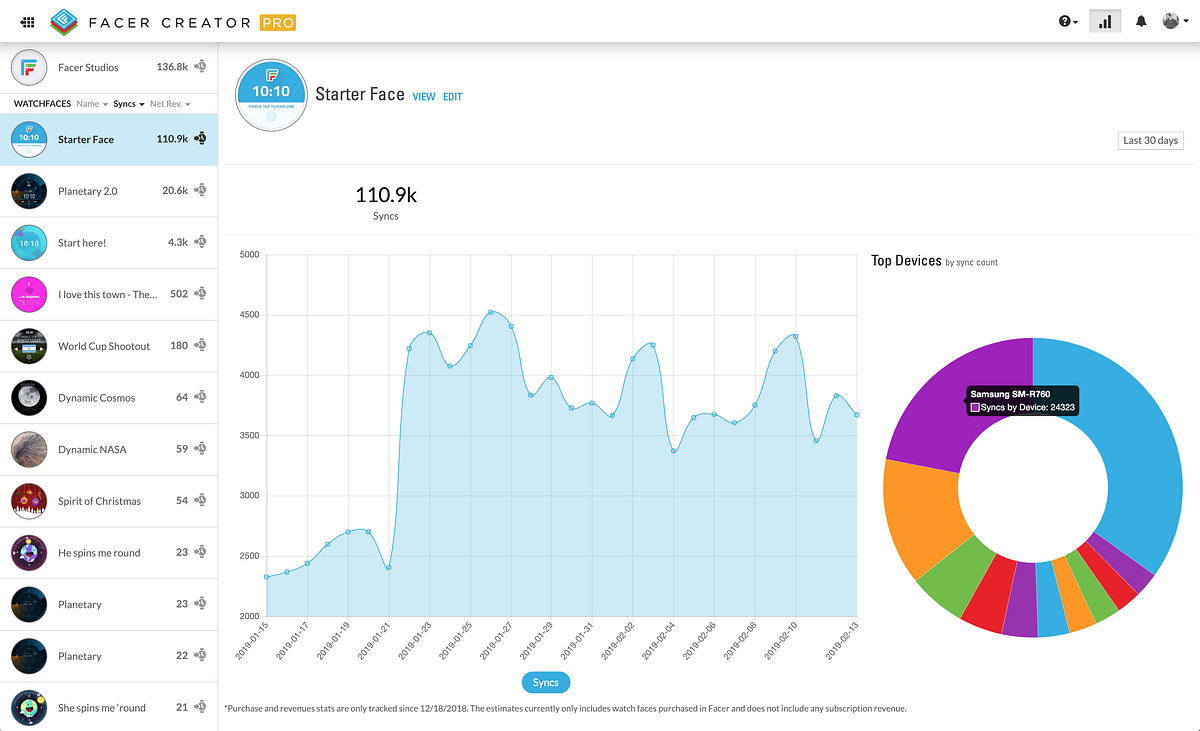
The new Insights page of the Facer Creator gives you a detailed look into how users wear your faces. You can use the graph to follow trends over time for usage overall & per watch face. This data can help you see what designs are resonating the most and plan future designs and collections. A lot more data points will be also be added over the next few months.
🤯 And that’s not all!
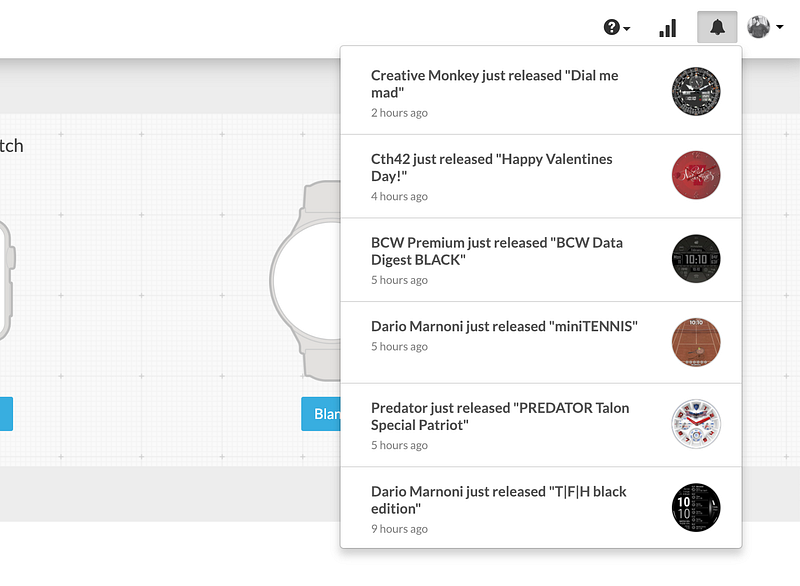
In addition to all these Facer Creator Pro features, we also put a fresh coat of paint on the Facer Creator and re-organized all its widgets, refreshed all its presets, updated its help section, and even added a new notification feed so you can more easily stay up to date with your favorite designers.
🚀 Get started!
All these updates are available worldwide today, and we are offering a free 3 day trial on Facer Creator Pro to celebrate this launch. We can’t wait to see what you’re going to create!
- To get started on your new watch face designs, head over to www.facer.io/creator
- To download Facer and access over 75k amazing faces, head over to www.facer.io