Introducing Customizable Complications for Samsung smartwatches
We’re excited to be introducing support for customizable complications for Samsung smartwatches on Facer today!

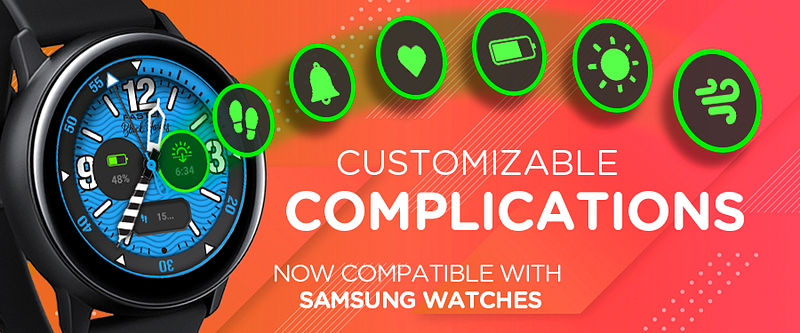
We’re excited to be introducing support for customizable complications for Samsung smartwatches on Facer today!
While WearOS users have been able to enjoy faces with customizable complications for several years, this feature was unfortunately missing from Tizen-based devices like the Samsung smartwatches. We could not be more excited to finally allow Samsung users to benefit from the same feature.
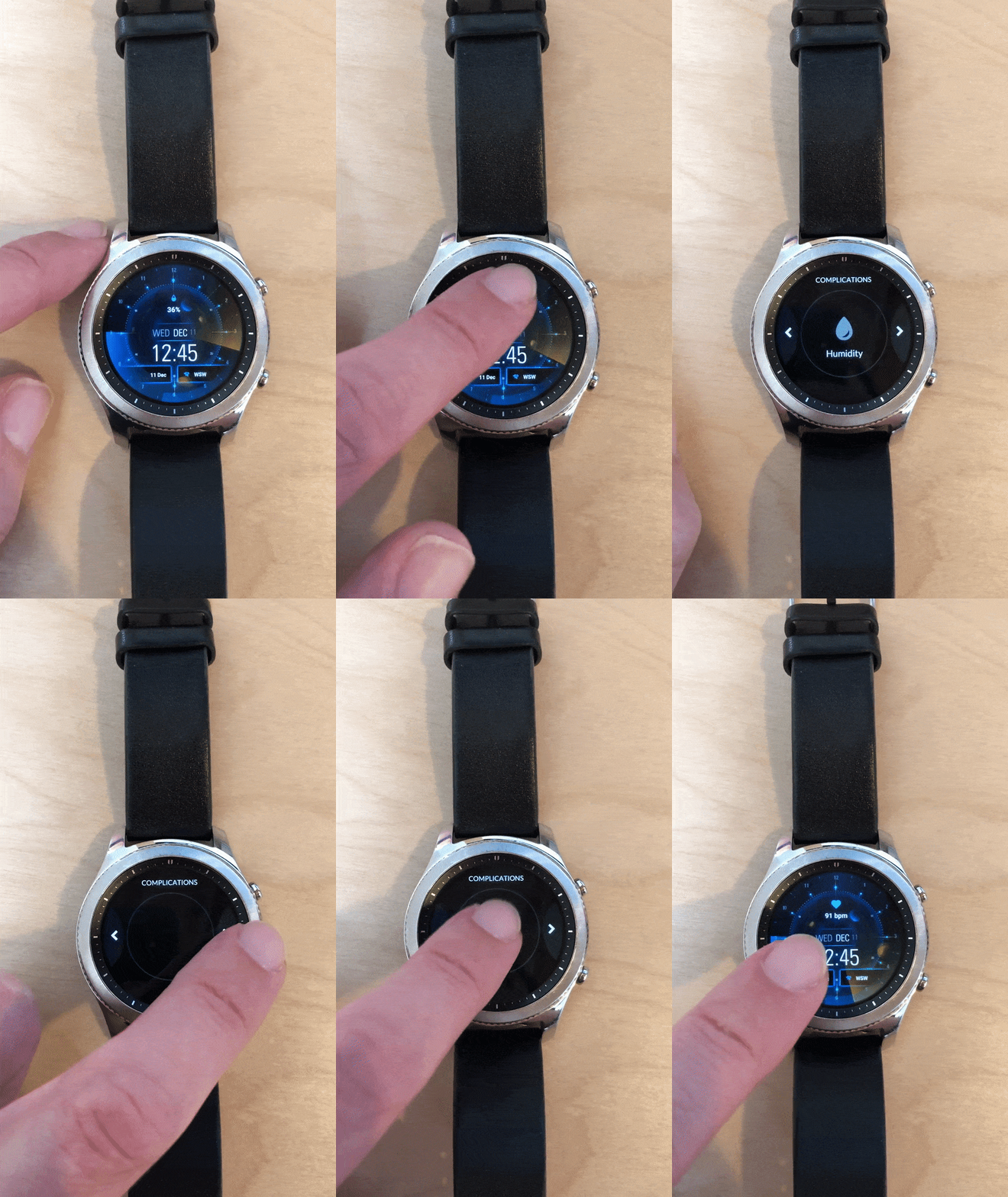
When using faces that include complications (hundreds already available on Facer!), Samsung smartwatch wearers will now be able to double tap on a complication and choose to display the information of their choice.
Facer currently supports 16 complication options that users will be able to choose from, including:
- Step count
- Heart rate
- Battery level
- Weather
- Moon phases
- Wind speed and direction
- Various app launchers (phone, alarm, etc.)
- … and more!
New complication options will be added on a regular basis to allow users to make their watch faces truly their own. We can’t wait for you to try these out!
🚀 How do I get started?
- Make sure to update your Facer Companion app on your Samsung smartwatch to Facer 5.1.26. You can update the app via the Galaxy App Store.
- Sync one of the faces from our intro collection at https://www.facer.io/collection/customizable-widgets.
- Double tap on a complication on the watch face and pick your complication!